
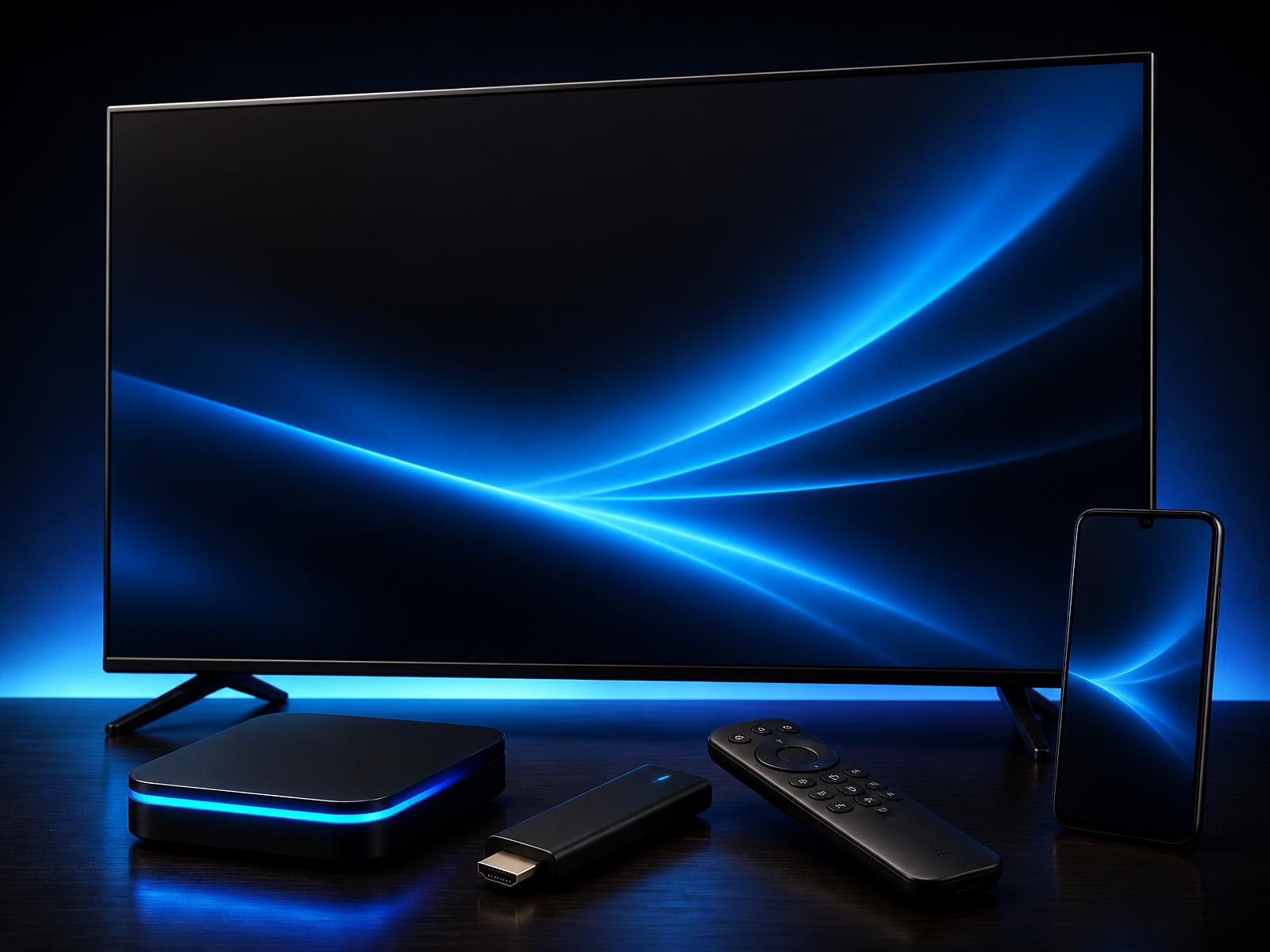
Already own one of these? You're watching tonight.
ElephTV runs on supported Android and Google TV devices, Android phones and tablets, and compatible Fire TV/Firestick models using the Downloader method. If your television uses another operating system, connect a compatible Android/Google TV device through HDMI.
Check your device in 5 seconds
Will ElephTV work on my device?
Tap your device for an instant answer. Takes 5 seconds.
Or browse by device type
Devices ElephTV runs on
Android Smart TVs
Any Smart TV that has the Google Play Store built in.
Android TV boxes
Most Android TV boxes — install from Play Store or sideload the APK.
Firestick / TV sticks
Tested compatible Fire TV / Firestick models — sideload via the Downloader app. Guide on our Download page.
Phones & tablets
Download the APK direct from our site and install it.
Windows PC / laptop
Use an Android emulator like Bluestacks or LDPlayer.
Quick check — supported
If your Smart TV has the Google Play Store built in, ElephTV will run on it.
Not supported
- • iPhone & iPad (iOS)
- • Samsung Smart TVs (Tizen OS)
- • LG Smart TVs (webOS)
Which devices actually work — and what to buy if yours doesn't
The short version
ElephTV is an Android app. Anything that runs the Google Play Store — or can sideload an APK — will run it. That covers the overwhelming majority of TVs and TV accessories sold in South Africa from about 2019 onwards: Hisense (Android/Google TV models only, not VIDAA), TCL, Skyworth, Sony, Xiaomi Mi, JVC and most no-brand "Android TV" units. It also covers most Android phones and tablets, tested compatible Firestick models, and Windows PCs via an emulator.
Smart TVs with Google Play (easiest)
If your TV's home screen has the Google Play Store, you're a five-minute setup away. Open Play Store, search for the player listed in your delivery email, install it, paste your activation code. Many Hisense, TCL, Sony and Skyworth Android/Google TV models from the last few years (Hisense VIDAA sets are not supported) are in this category.
Android TV boxes (also easy)
Generic Android TV boxes — H96, X96, Mi Box, Mecool and similar — are the cheapest way to get Streaming TV on an older non-smart TV. Plug it into HDMI, connect Wi-Fi, install from Play Store or sideload the APK from our /download page.
Amazon Firestick (sideload)
Firesticks don't have Google Play, so you install via the free Downloader app. Enable "Apps from Unknown Sources" in Firestick settings, then point Downloader at the APK URL we send you. Five-minute job. Both the standard Firestick and the 4K Max are supported.
What's not supported (and what to do)
Samsung TVs (Tizen OS) and LG TVs (webOS) are not Android — ElephTV does not run on them natively. Same for iPhone, iPad and Apple TV (iOS / tvOS). Use a compatible Android/Google TV device connected through HDMI instead.
Internet requirements
Minimum 10 Mbps for stable Full HD, 25 Mbps recommended for 4K and multi-device households. Works on Vumatel, Openserve, Frogfoot, MTN Fibre, Rain LTE/5G and Telkom — anything stable. Mobile data works too, but a single Full HD stream uses about 1.5 GB per hour.
Common device questions
Will ElephTV work on my Samsung Smart TV?+
Not directly — Samsung TVs run Tizen, not Android. Use a compatible Android/Google TV device connected through HDMI.
Can I use ElephTV on iPhone or iPad?+
No — iOS is not supported. ElephTV is Android-only. Most iPhone households watch on an Android TV box or Smart TV instead.
Do I need to buy a new TV?+
Usually not. Android TV and Google TV models may work directly. Samsung Tizen, LG webOS and Hisense VIDAA need a compatible Android/Google TV device connected through HDMI.
Does ElephTV work on Firestick?+
Yes — install via the free Downloader app and enable Unknown Sources. Tested compatible Firestick and Fire TV models work this way; message us with your model number if you want us to confirm yours first.
How much internet do I need?+
10 Mbps for stable Full HD, 25 Mbps for 4K, and ideally a second LTE backup if you watch a lot of live sport.
Ready to install?
Our Download page has the ElephTV app installer links and step-by-step install guides.
- Fast deliveryCode by WhatsApp or email
- Secure paymentsCard & QR
- Multi-deviceTV, box, stick & phone
- WhatsApp supportWhatsApp support
Pick your plan
Free trial may be available in the app · duration may vary.