
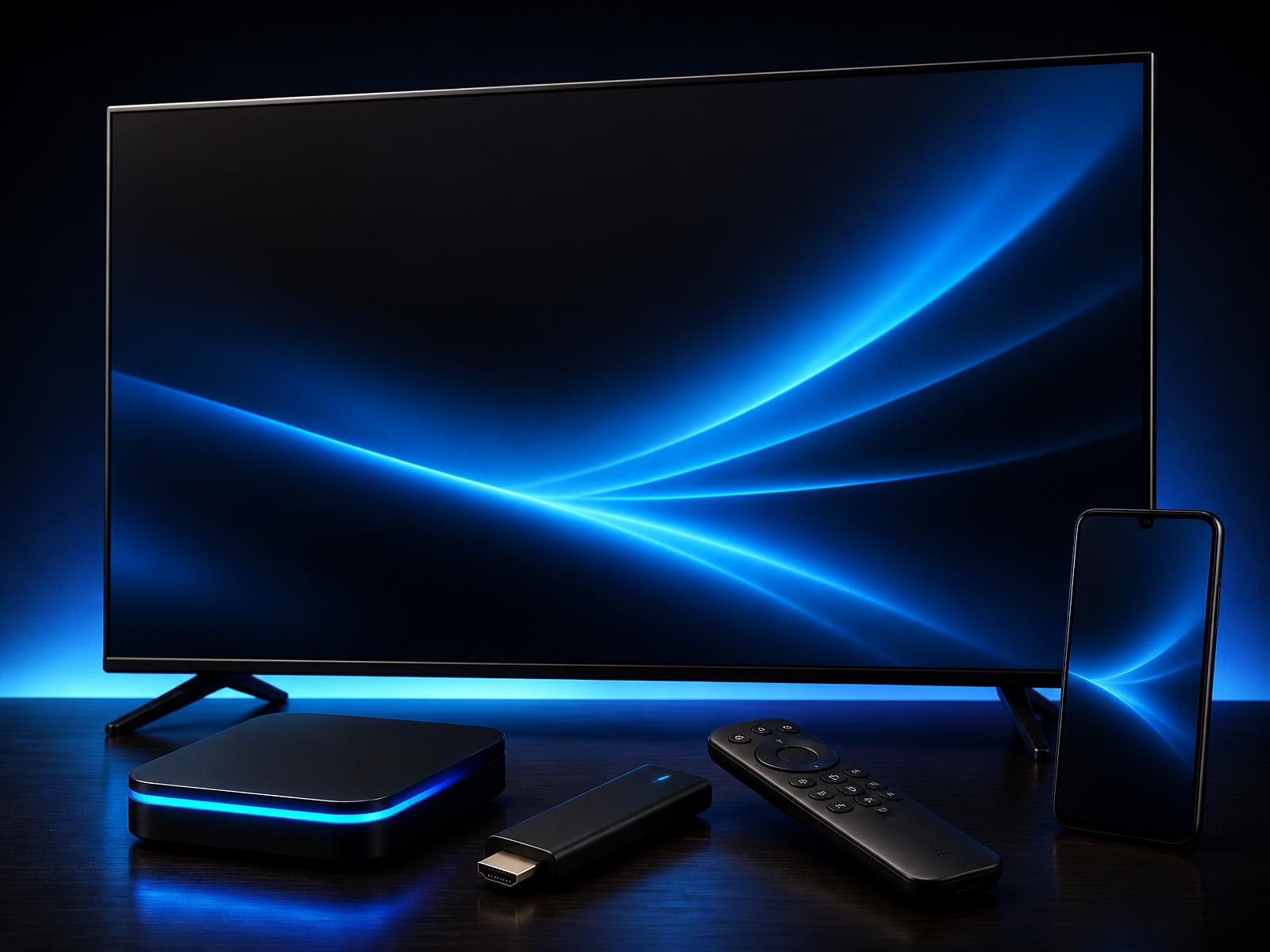
4 taps to live TV.
Self-checkout is the simplest path. You pay, our system reserves a code from inventory, then sends it to the WhatsApp number or email address you entered, after successful payment.
Watch it happen, start to finish
Point your camera here to message support. We aim to reply as quickly as possible during support hours.
Narrated walkthrough. Reminder: buy and renew on elephtv.store — never pay inside the streaming app.
Buying your subscription
- 1Step 1
Pick a plan
All activation codes are valid for one month. Customers who want additional months can purchase multiple one-month codes.
- 2Step 2
Pay at secure online checkout
Payment methods shown at checkout. Your card details never touch ElephTV.
- 3Step 3
Get your 16-character code
Sent to your WhatsApp or email after successful payment.
- 4Step 4
Install the free app
Android phone, Smart TV, TV box or stick — follow the installation guide for your device.
- 5Step 5
Register inside the app
Profile → Register → sign up with email or phone, verify the code.
- 6Step 6
Enter & activate
Redeem Center → enter all 16 characters without spaces or dashes → Confirm.
Registering inside ElephTV
- 1Tap Profile on the home screen.
- 2Tap Register in the top-right corner.
- 3Choose to register with email or phone number.
- 4Enter your info and tap Get Code — a verification code is sent to you.
- 5Enter the code and tap Confirm to complete registration.
Renew through ElephTV South Africa
- 1Visit elephtv.store and choose your activation code.
- 2Complete checkout on our website.
- 3Receive your code through the delivery method selected at checkout.
- 4Enter the code in the ElephTV app to activate your access.
Buying inside the streaming app is not advised
Codes and subscriptions sold inside the streaming app come from a different company, not ElephTV South Africa. We are an independent reseller: when you buy through elephtv.store, we support you with your code, its delivery and activation.
For channels, movies, series or other content problems, email elephtvofficial@outlook.com (the address shown in the app) — they support content.
From checkout to first channel, in plain English
Step 1 — pick a plan and pay
Choose your plan on our pricing page — every code is a 1-month code, so add as many as you need to the same order. Checkout is a secure online checkout; the payment methods available are shown at checkout. Prices and charges are in ZAR.
Step 2 — receive your activation code
After successful payment, our system reserves a code from inventory and sends it to the contact detail you gave us — your WhatsApp number or your email address. You'll also see it on your order page (which is bookmarkable — useful if you misplace the email). The code is a 16-character string of letters and numbers, with no dashes or spaces: XXXXXXXXXXXXXXXX.
Step 3 — install the app
If you have an Android Smart TV, install the player from the Google Play Store. For an Android TV box without Play Store, or for a Firestick, download the APK from our /download page. Setup is usually straightforward on supported devices — we have a step-by-step guide on /guides for first-timers.
Step 4 — enter the code and watch
Open the app, paste your code, wait for the channel list and EPG to load, and start watching. The first time you open a live channel it caches the stream, so subsequent channel-changes are near-instant. All your settings, favourites and recently-watched titles stay tied to that code.
What happens when the plan ends
Codes are prepaid subscriptions — when the paid period ends, the code stops working. Subscriptions do not renew automatically by default; eligible customers may choose to enable optional auto-renew after a successful card payment. To renew manually, log in to your order page and reactivate or buy a new period. We'll send a reminder a few days before expiry so nothing surprises you.
What if something goes wrong
Real WhatsApp support, in South Africa, in your time zone. Common first-day issues — wrong code typed, weak Wi-Fi, an unsupported TV — are almost always sorted the same day. If a paid order genuinely fails to deliver, we replace the code or refund the order.
How it works — common questions
How do I get my activation code?+
Your activation code is sent by WhatsApp or email after successful payment, based on the contact option you choose. It is also shown on your order page.
What if I lose my code?+
Open your order page from the email we sent (or log in via /track) — your code is always shown there. You can also message WhatsApp support to resend.
Can I switch devices later?+
Yes. Your plan sets how many devices can watch at the same time (Basic 1, Standard 2, Premium 4), and you can move the code between devices freely — just sign out on the old one and enter the code on the new one.
Will my code auto-renew?+
No. Subscriptions do not auto-renew by default. Eligible customers may choose to enable optional auto-renew after a successful card payment. Otherwise the code simply stops working when the period ends, and we send a reminder a few days before.
What if I can't get it working?+
Message us on WhatsApp from your order page. Most setup issues are resolved quickly by a real support person, not a chatbot, during support hours.
- Secure checkout
- Code by WhatsApp or email
- WhatsApp support (Mon–Sat, SAST)
- Free trial available; duration may vary
- No contracts — cancel by not renewing
- Replacement & support policy
- Fast deliveryCode by WhatsApp or email
- Secure paymentsCard & QR
- Multi-deviceTV, box, stick & phone
- WhatsApp supportWhatsApp support
Pick your plan
Free trial may be available in the app · duration may vary.